




Unified mail
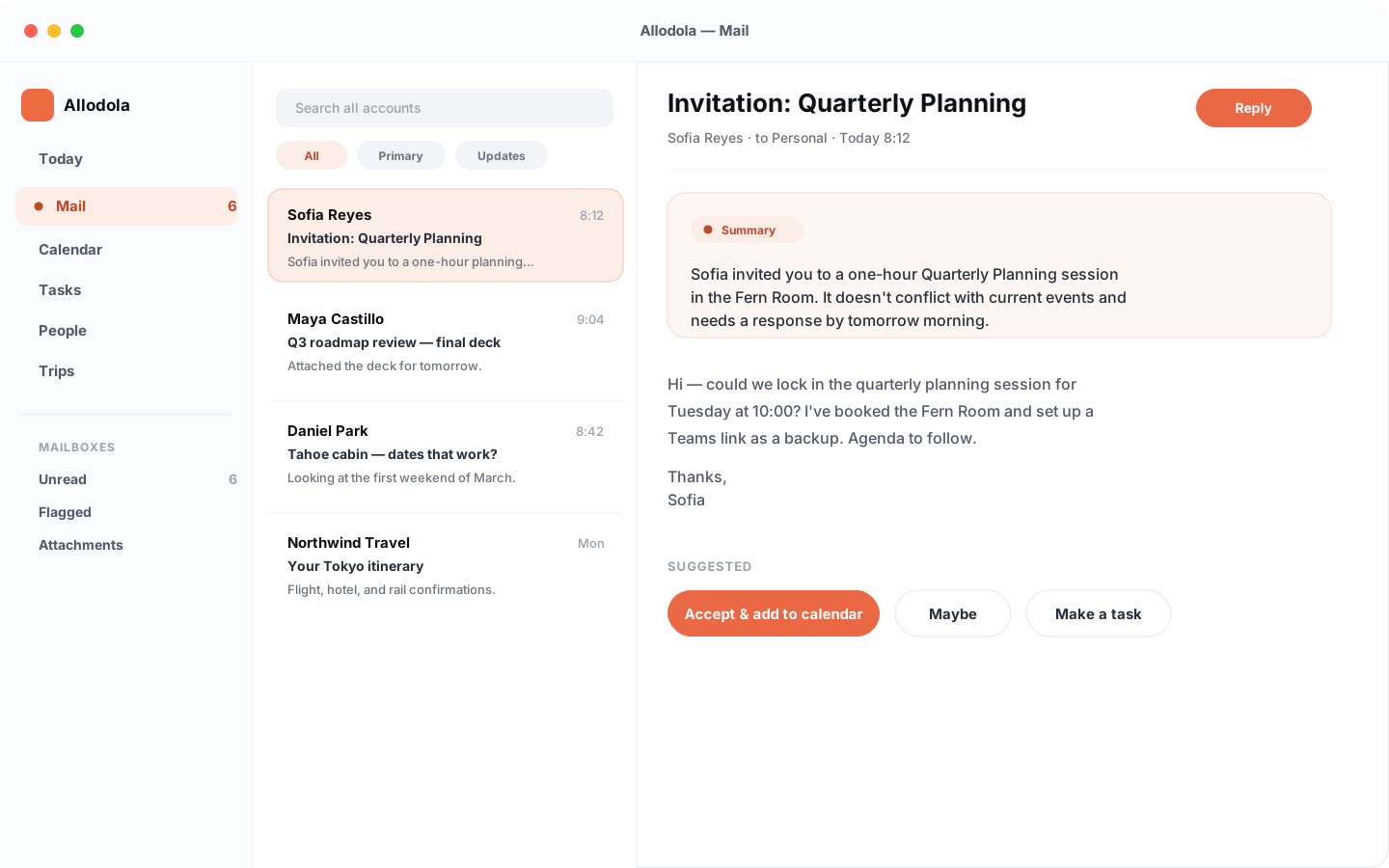
Bring accounts into one reading surface with sender context, categories, account color edges, search operators, and AI summaries.
Allodola · Consumer line
Allodola is a personal command center for mail, calendar, tasks, people, and trips — designed to make the next right action obvious.
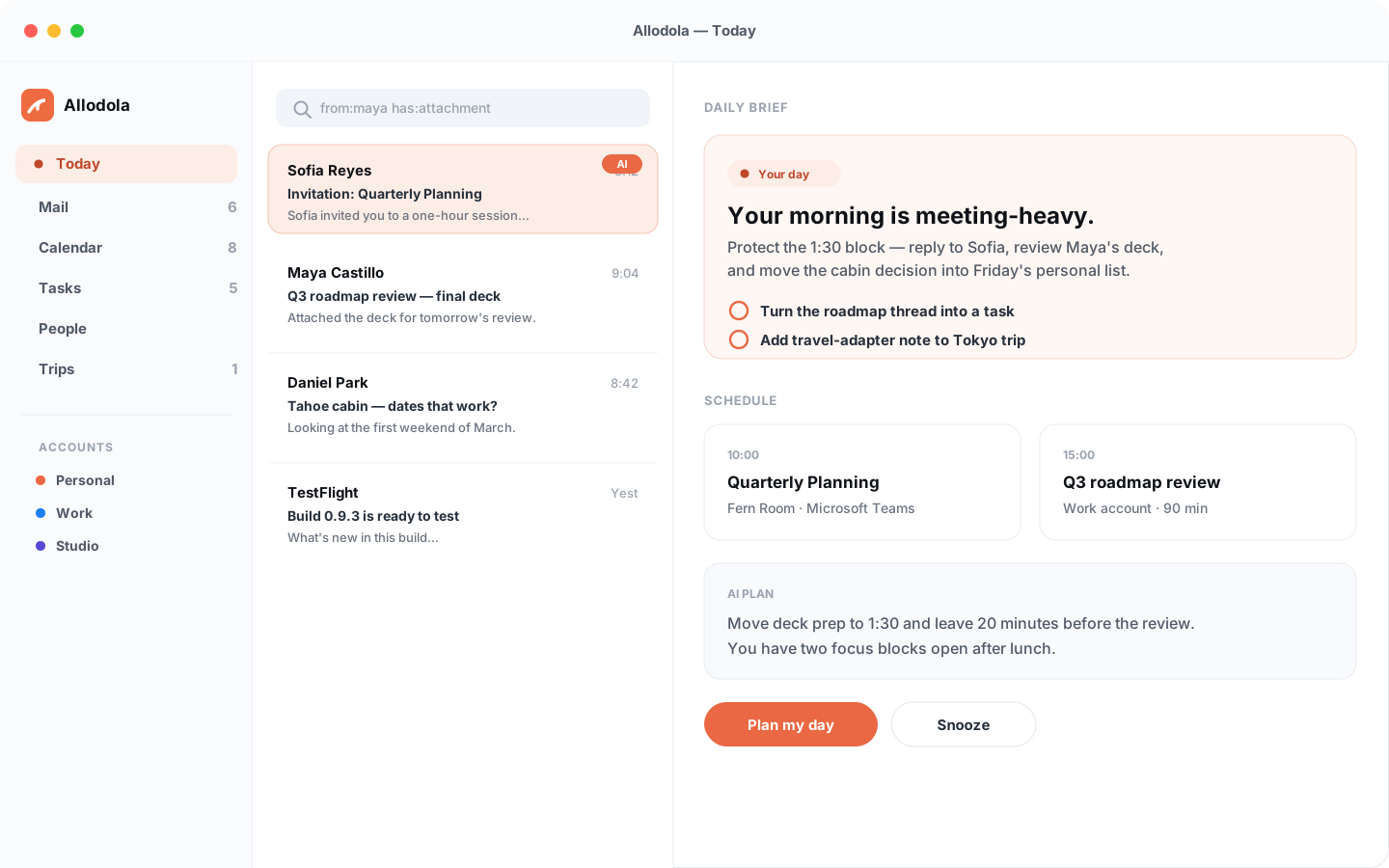
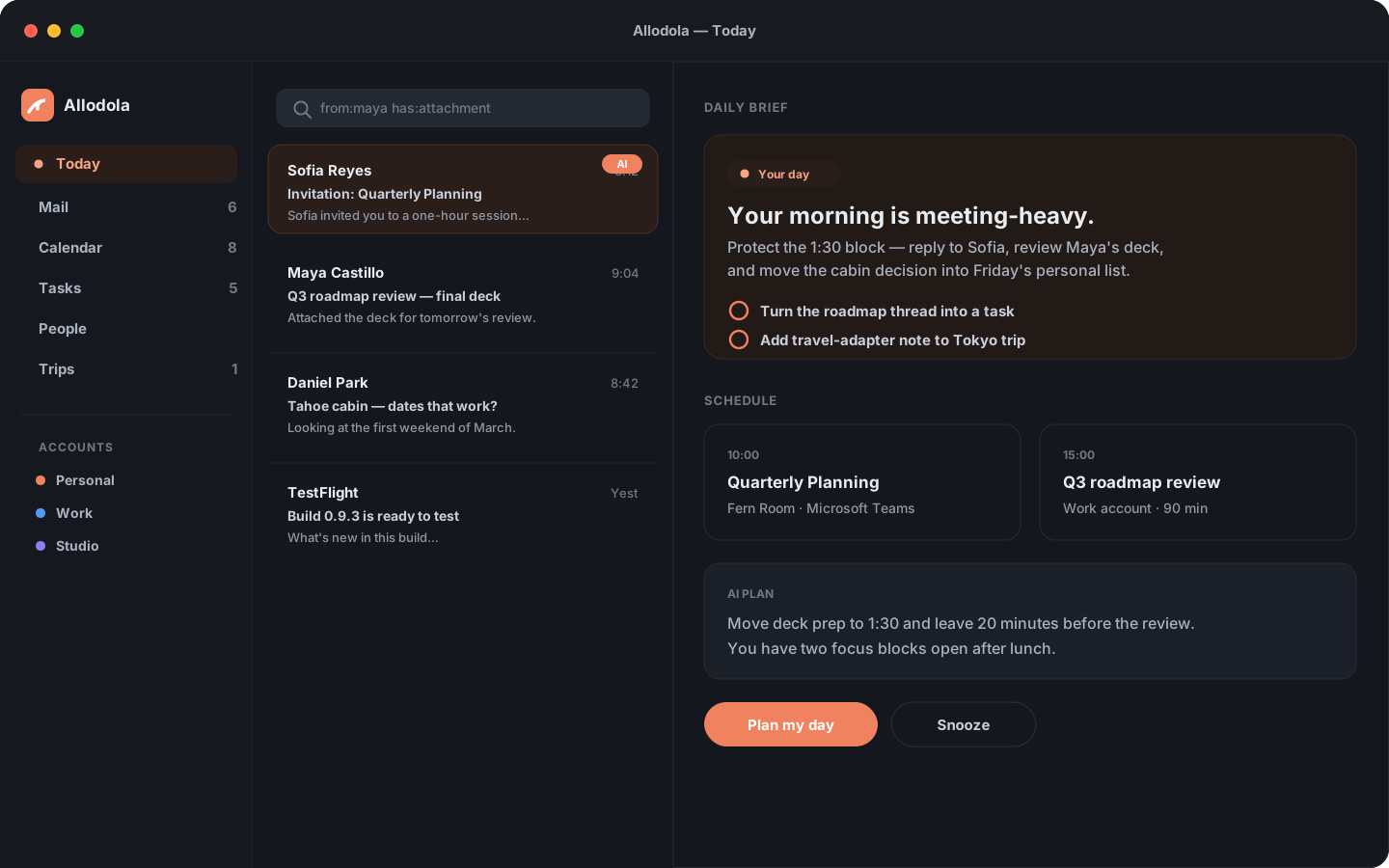
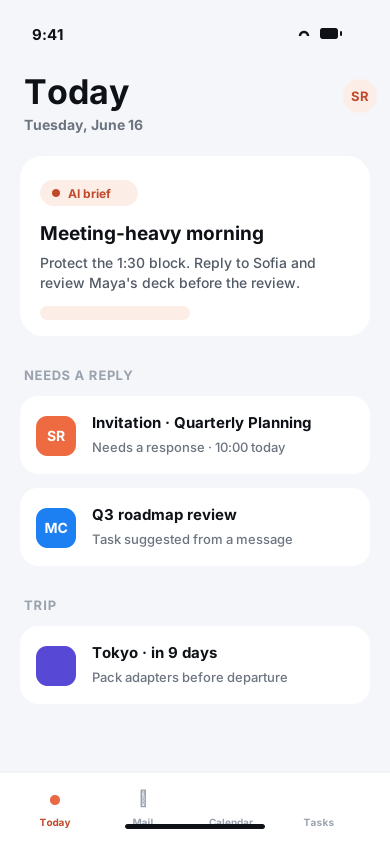
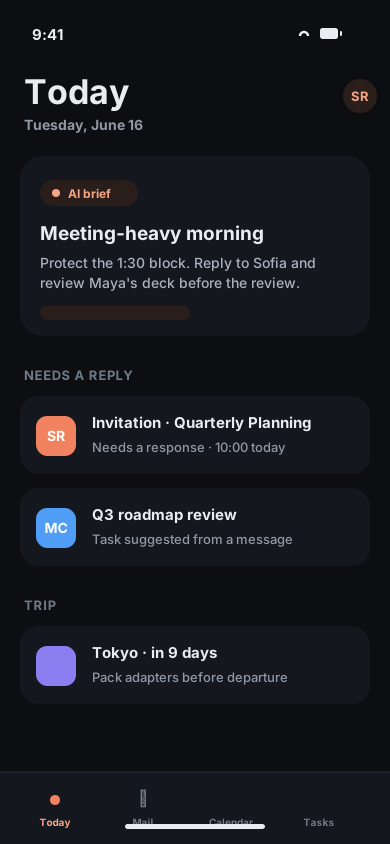
Interface previews
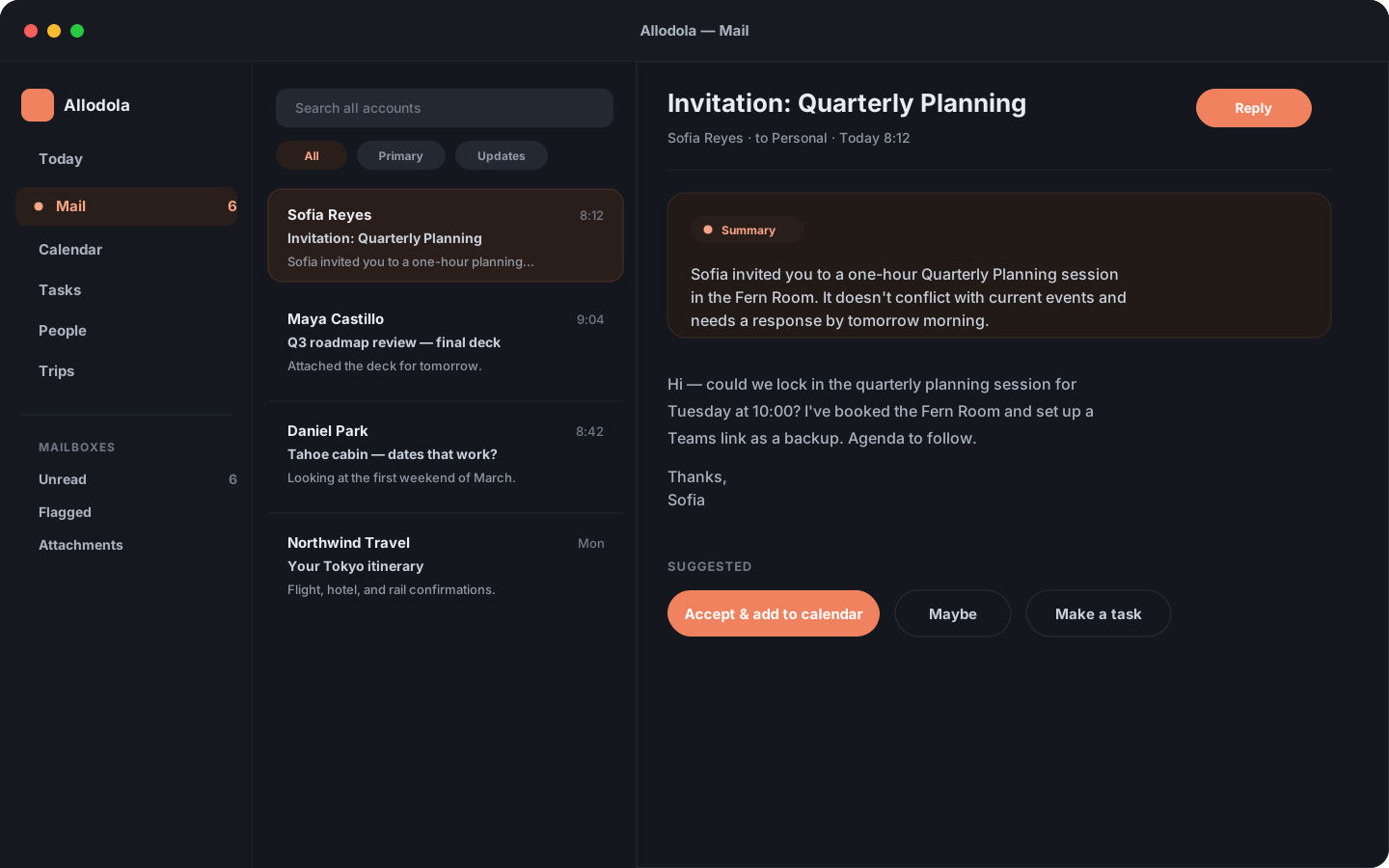
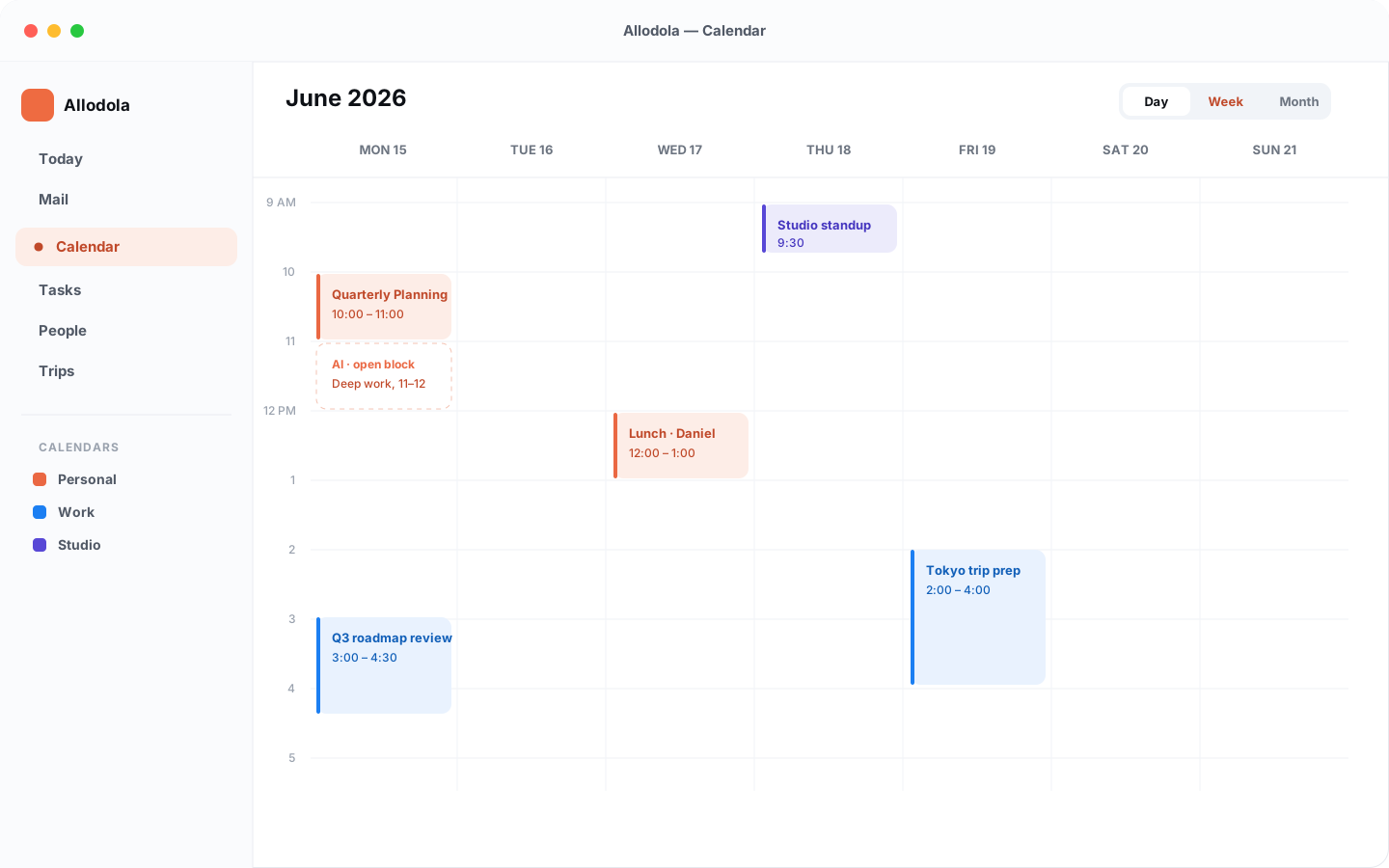
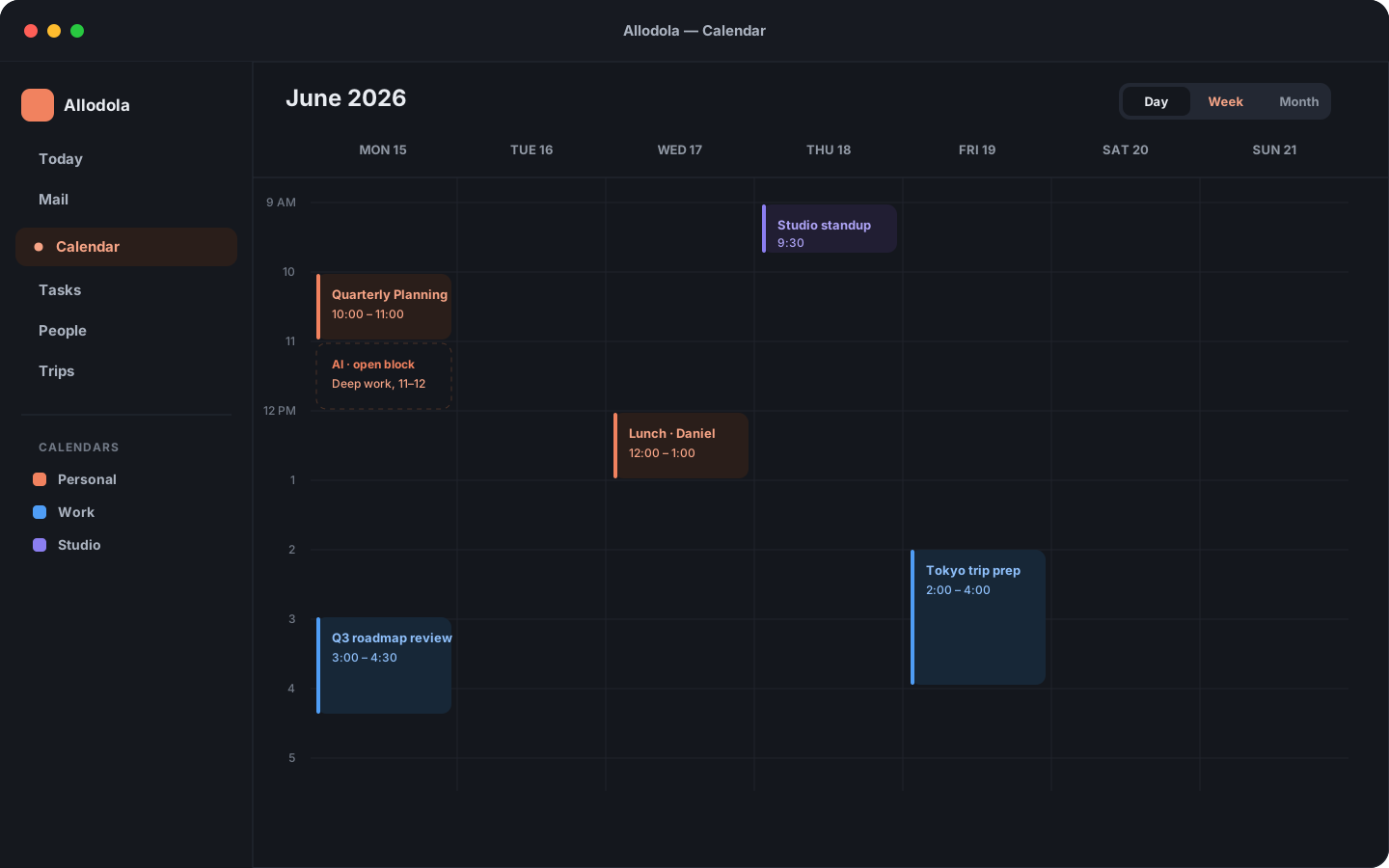
Illustrations of the workspace across devices. The current release may differ; toggle the theme to preview light and dark.
Core experience
Unified mail, week planning, task extraction, contacts, trips, themes, and a private integration architecture — together in one workspace.
Bring accounts into one reading surface with sender context, categories, account color edges, search operators, and AI summaries.
Schedule, day, week, and month views with invitations, meeting context, and planning suggestions for your open time.
Keep manual tasks beside suggested actions from messages, with source context so every to-do knows where it came from.
See saved contacts and people detected in mail, then turn senders into usable contacts without leaving your flow.
On-device Apple intelligence for summaries, task suggestions, triage, and day planning — where the platform supports it.
Preferences and metadata in iCloud, credentials in Keychain, and message bodies kept out of CloudKit.
Daily planning
Allodola is built around context. A calendar invite can become an accepted meeting, a message can become a task, and a trip note can stay attached to the journey it belongs to.
Designed for Apple platforms
Mac and iPad get a roomy rail-and-pane workspace. iPhone gets a compact, focused reading flow with long-press contextual menus.
Questions
The Mac app is available by direct download. The iPhone, iPad, and App Store releases are being prepared. Google connections currently require test-user access while verification is pending. Work accounts may require approval from your organization. Join the list below for App Store and beta announcements.
Mail, search, drafts, and model processing stay on your device, with ordinary mail and calendar operations sent to your account provider. Optional iCloud sync can include account details, smart-folder rules, manually managed trips, and user-added bills containing information from messages. Optional travel lookups and user-directed support, exports, and remote content have separate transfers. See our Privacy Policy.
Where the platform supports it, Allodola uses on-device Apple intelligence for summaries, triage, and day planning. Anything that would use a cloud service is disclosed before you enable it.
Allodola is being built natively for Mac, iPad, and iPhone, with layouts tuned to each device rather than one design stretched across all three.
App Store and beta updates
Leave your email for App Store availability and public beta announcements. The Mac app is already available by direct download.
Thanks — you’re on the Allodola launch list.
We’ll only email you about Allodola and Simple Modern Software. Every email we send carries an unsubscribe link, and using it takes you off this list for good.