




One place to start.
Capture a service request or incident with the context your team needs. Search and filter the inbox to find the work that needs attention.
Service management
Bring service requests, incidents, and changes into one shared workspace. Keep the conversation, the owner, and the next step together.
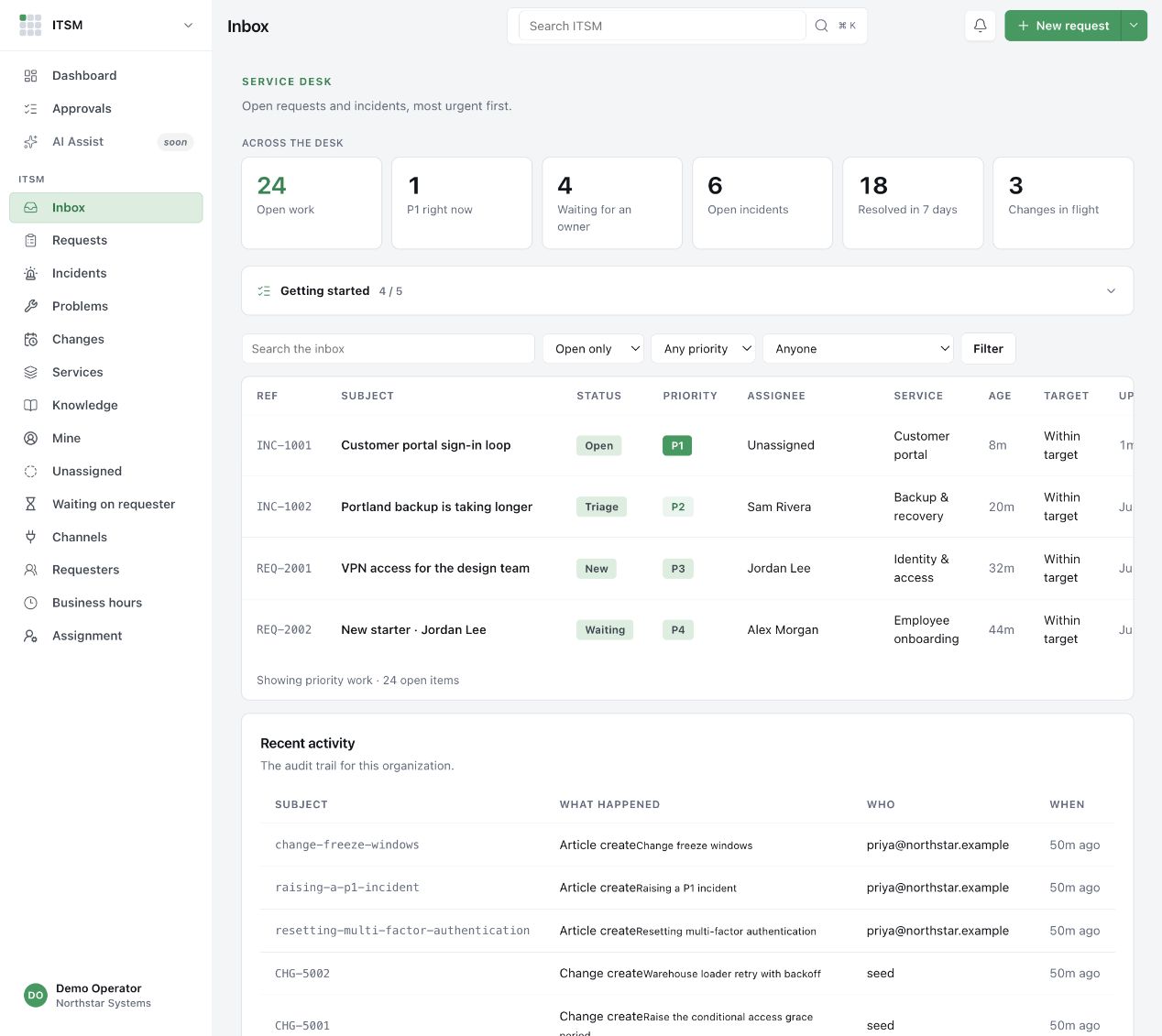
Capture a service request or incident with the context your team needs. Search and filter the inbox to find the work that needs attention.
Assign an owner, set a priority, and keep replies and internal notes with the record. The next person can pick up the conversation.
Connect day-to-day support with service records and knowledge articles. Turn a useful answer into something the whole team can find.
From request to response
Support is a browser-based team workspace. S3RVER and Espial are the native Mac apps in the Simple Modern family.
The sign-in link is for existing organizations. For access or help choosing the right app, contact support.
No. It tracks requests, ownership, communication, and operational records. Actions in a connected product still depend on that product’s permissions and supported integrations.