



See what you manage.
Find devices across connected sources. Keep model, address, reporting source, and site together so a device is more than a name in a list.
Infrastructure operations
Devices, sites, reported health, and alerts. Bring the infrastructure you look after into one operations workspace.
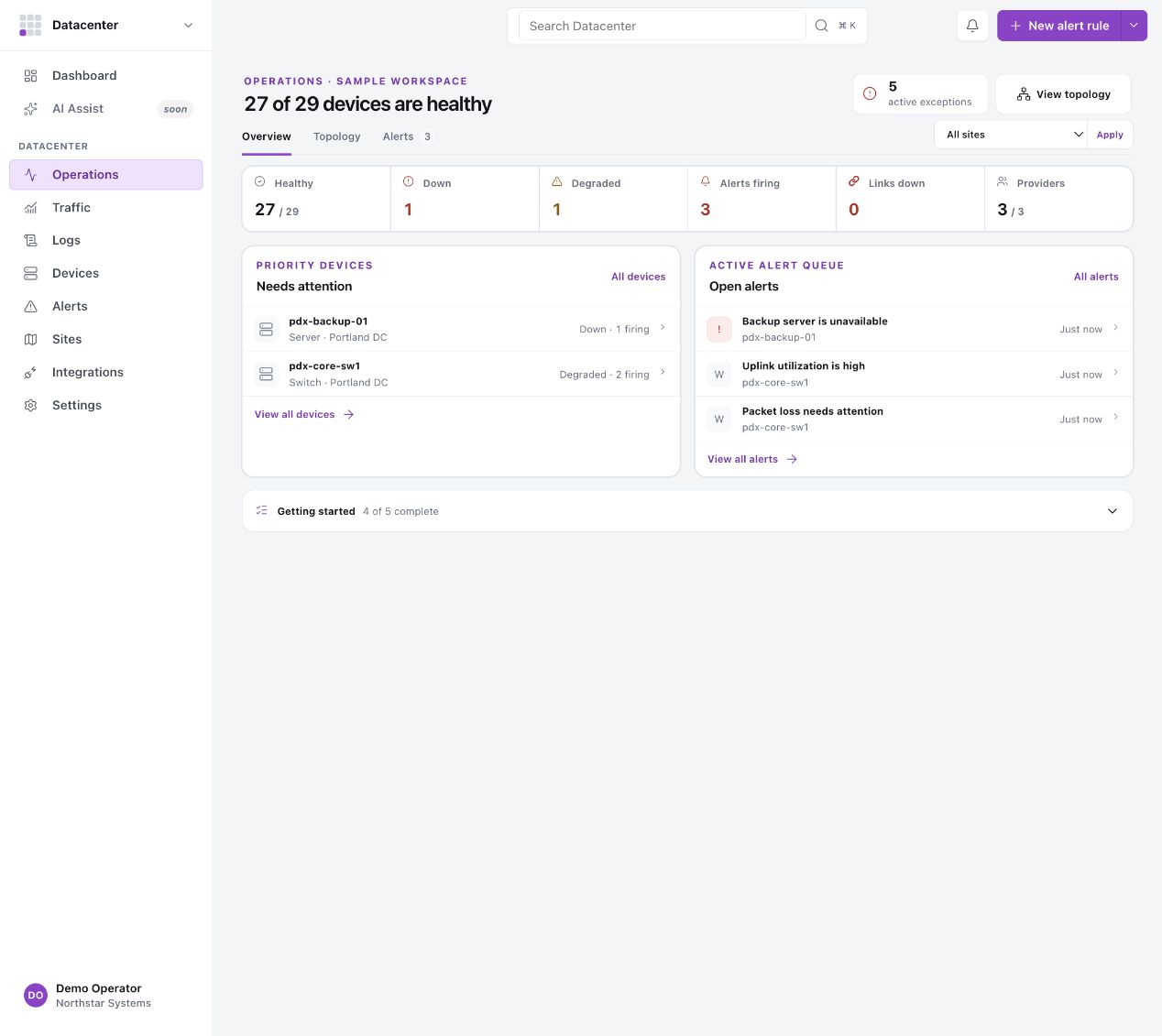
Find devices across connected sources. Keep model, address, reporting source, and site together so a device is more than a name in a list.
Group devices by site and region. Move from a location to its devices and alerts without losing the context of the place you’re supporting.
Review reported state and alerts, inspect the device, and decide what needs action. Last-seen times and source details stay close to the evidence.
Connect with context
No. Inventory, metrics, logs, links, and traffic are separate capabilities. What appears depends on what the connected source supplies.
Datacenter is for infrastructure visibility and operations. Support is for the people, communication, and service records involved in responding. Explore Support.
Datacenter is coming soon. For questions about an existing workspace, contact support.