




Start with the work.
Keep a project’s work items and repository context in the same workspace. Make it easier to see what the team is building and where it belongs.
Software delivery
Bring projects, repositories, pipeline runs, and release records together. Give the team one place to follow the work.
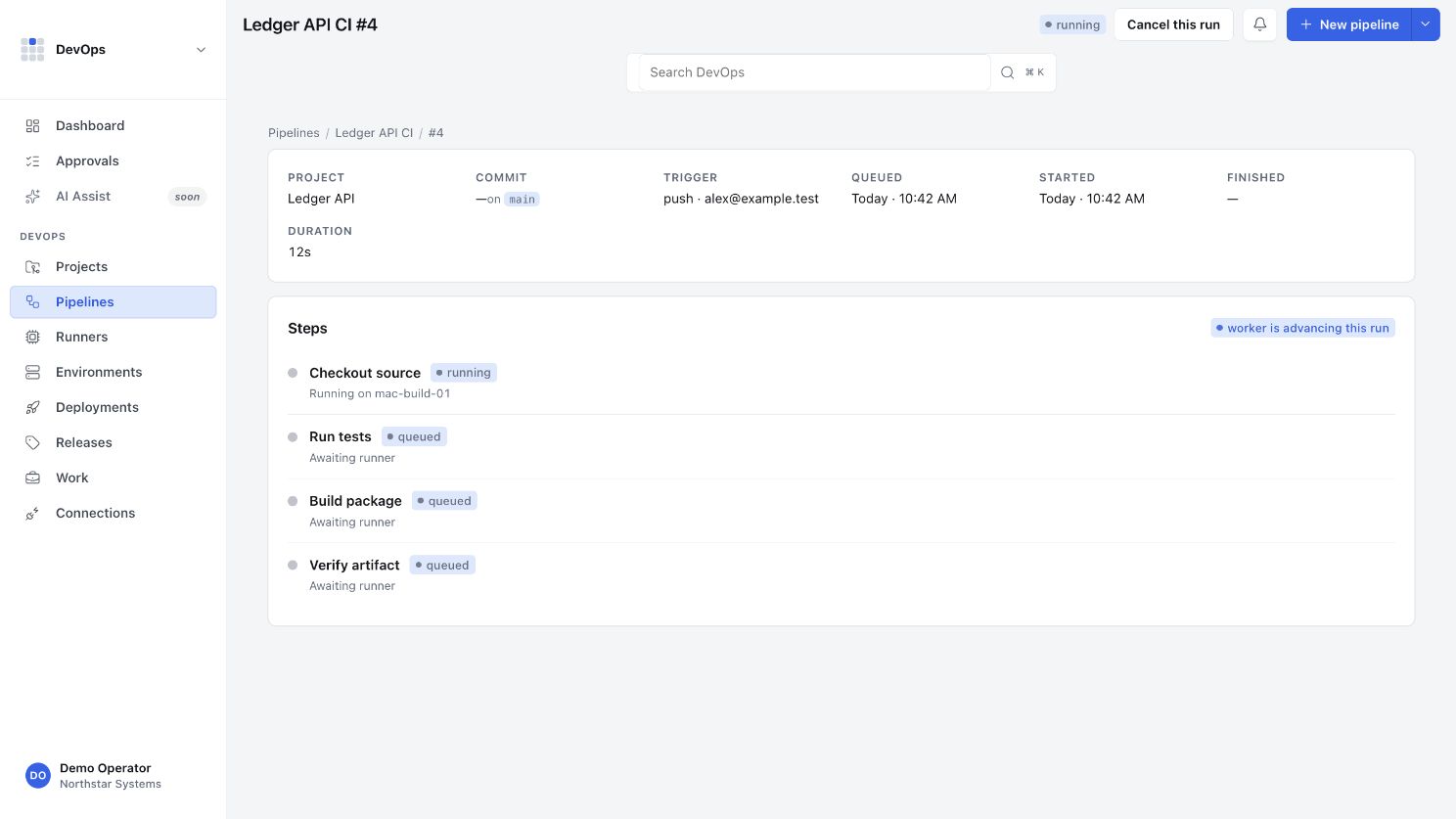
Keep a project’s work items and repository context in the same workspace. Make it easier to see what the team is building and where it belongs.
Organize pipeline definitions and review run records and step details. Actual command execution depends on the configured runner and step type.
Track releases, environments, and deployment records together. Keep the intended target and the recorded outcome visible to the team.
A shared delivery workspace
No. Repository access, pipeline definitions, runner execution, and deployment integrations are separate pieces. Each must be configured and verified for your workflow.
S3RVER has its own GitHub Actions runner feature. That is separate from Simple Modern DevOps runner registration and does not automatically connect the two products.
Use your existing organization account to sign in. Contact support for access or help planning your workflow.