S3RVER
Everything a server does, in one Mac app.
Files, machines, private AI, DNS, storage and backups that prove they restore.
macOS 14 or later · free while in beta
Overview
The whole machine
on one screen.
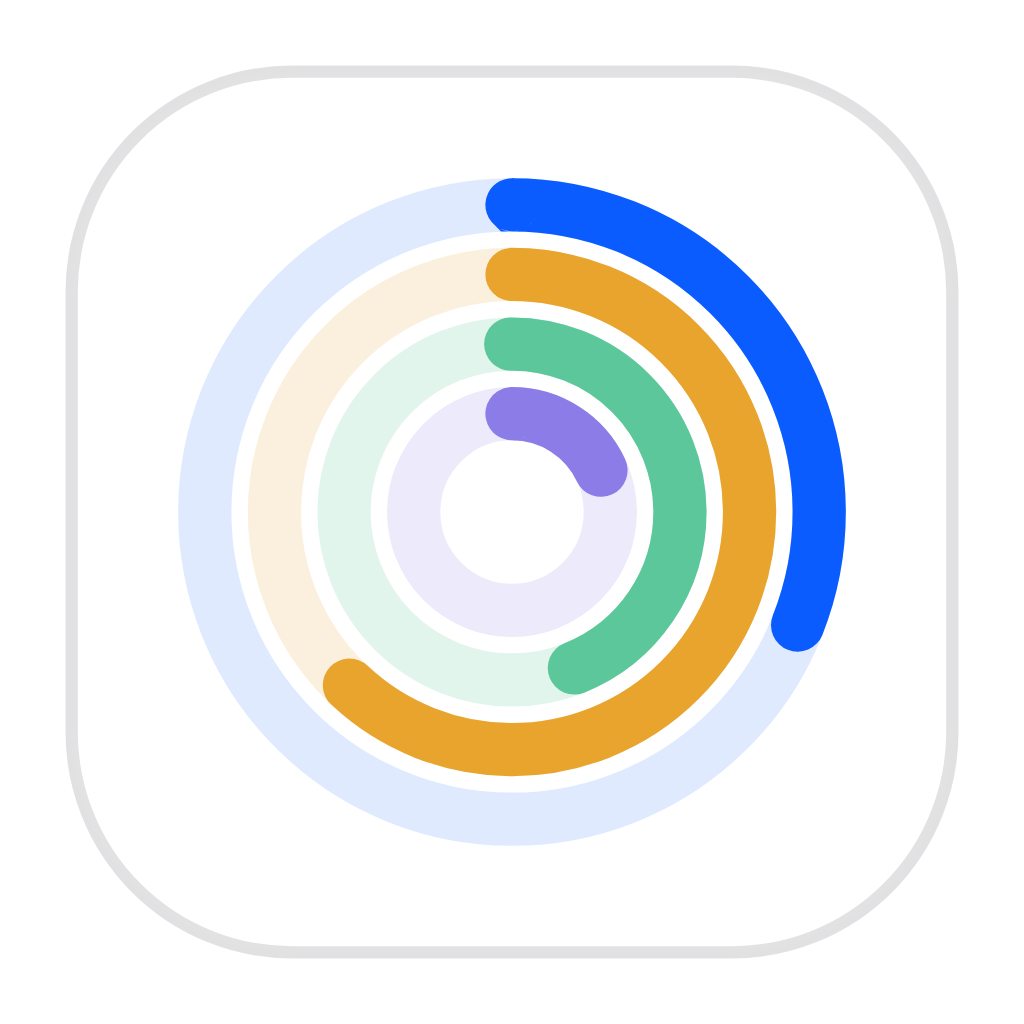
Load, memory, network and disk as four live rings, every service with its uptime, and one line at the top that says whether anything needs you.
What is underneath
AI server
A private model server
on your desk.
Llama 70B and a coding model resident at once, answering at ai.home.arpa through an endpoint the tools on your machine already speak.
200 OK · 68 tok/s · 0 bytes left the building
Models that normally need a GPU
A 64 GB Mac holds models people rent GPUs by the hour to run, with nothing copied between a chip and a card.
OpenAI-compatible endpoint
Point any tool that speaks the OpenAI API at one hostname on your network. No code changes, no keys to rotate.
Load and unload without restarting
Keep the coding model resident, bring the seventy-billion one in when you need it, and see what memory each is holding.
Nothing leaves the machine
Prompts, pasted documents and answers stay on this disk. There is no policy to read because there is nobody to send them to.
Files & storage
Shared folders
every device can mount.
SMB shares for Mac, Windows and Linux, an S3 endpoint for anything that speaks it, and one list of people that governs both.
Nothing to install on the client
Mount from Finder, File Explorer or Linux with what those systems already ship. No agent, no account with anyone.
One access list, not four
Grant a person access once and it applies to every share, bucket and key. Revoking is a single action.
A backup target you own
Point every Mac in the house at it and let them back themselves up overnight to a drive you can hold.
An S3 endpoint of your own
Change one flag and your scripts, CI and backup software write to buckets on this machine instead of somebody else’s.
Postgres and Valkey, managed
Started, stopped and credentialled for you. No ports to pick and no passwords to invent.
Instant point-in-time copies
Taken in a moment and occupying no space until something changes. Keep as many as you like.
Virtual machines
Linux, macOS and
Windows on ARM.
Guests running side by side on Apple’s own hypervisor, each in its own window, each one click away from a snapshot you took yesterday.
More about machines
DNS & Shield
Ads blocked on every device.
3,914 domains stopped at the resolver today, before they resolved — on the laptop, the phone and the TV that will not let you install anything.
Works where you cannot install anything
Blocked at the resolver, so it covers the smart TV, the doorbell and your mother’s iPad as well as the laptop.
No more port numbers
Every subsystem answers at a name like files.home.arpa. A reverse proxy in front of them retires the ports for good.
Catches what no blocklist knows
Malware invents fresh domains hourly. Shield judges them by shape instead of by name, and flags the ones imitating your bank.
Watch it before you trust it
Run in monitor mode for a week, read what it would have blocked, then turn on prevention once it has earned that.
Changes that undo themselves
Every adapter, address and route in one place, on a rollback timer, so a change that would cut you off restores itself.
One certificate, every name
A local authority signs a single certificate covering every name, re-issues it whenever you add one, and gets trusted in a click.
A way in that is not a hole
Scan a code to add a device and click once to remove it. No forwarded ports, and adding a service widens nothing.
Backup
Backups that prove they restore.
On a schedule it pulls files back out of the archive, checks every byte against the source, discards them and records that it worked.
More about backups
Alerts
It reaches you
when the app is closed.
Reallocated sectors on the archive drive went from zero to four in a month, so it writes to your phone with eight months to spare.
What it watches
Appearance
Light and dark. Same app.
The colours that carry meaning never move between themes.
Included
Twenty-five subsystems.
One install.
No add-ons, no per-subsystem pricing, nothing extra to patch.
What's next
Apple silicon first.
Then everywhere.
Written so the subsystems do not lean on the chip where they do not have to. Intel, Windows and Linux follow.
Tech specs
What it runs on.
| Minimum | Recommended | |
|---|---|---|
| Chip | Apple silicon, M1 | M4 Pro or M-series Max |
| Memory | 8 GB | 32 GB · 64 GB for large models |
| Storage | 256 GB | 2 TB internal SSD, plus an external volume for backups |
| macOS | 14 Sonoma | Latest release |
| Network | Wi-Fi | Gigabit Ethernet · 10 Gb for object storage at speed |
| Power | Any | Wired mains, with restart-after-power-loss enabled |
Questions.
What makes it "next generation"?
Server software was built for machines nobody looks at, configured by typing, and watched by a second product you also pay for. This one assumes a machine you can see, an interface that answers you at a glance, and no separate purchase to find out whether it is working.
Is it a wrapper around Docker and MinIO?
No. Containers use Apple's Containerization stack. The object store is a clean-room S3 implementation written against the published wire format. There are no third-party package dependencies in the bundle.
Intel, Windows and Linux?
All three are coming. Apple silicon is first because that is where the hardware advantage is today, and the subsystems are being written so they do not lean on it where they do not have to. Storage, naming, defence and backup port cleanly; virtualisation and the AI server depend on hardware that differs per platform, so those arrive as each host allows.
What happens if I stop paying?
S3RVER keeps running for thirty days in warning mode — every service stays up and nothing is touched. After that window, services continue until the next restart; on that restart the licence has to be current before any of them will start again. Your data is never held hostage: objects are ordinary files, backups are rsync trees and APFS snapshots, guest disks are standard images, and all of it stays readable by other tools whatever the licence says.
What does it send home?
Whether your licence is current, and whether there is an update. Anonymous diagnostics only if you switch them on. Your files, your queries, your machines and your prompts never leave.
What does "beta" mean here?
Every subsystem on this page runs today. Interfaces will still move, a few subsystems are marked as next rather than shipping, and it is free while that is true. Your data is stored in ordinary formats throughout, so nothing you set up now becomes hostage to a later decision.
Install S3RVER.
One download, one approval, about ten minutes.
Apple silicon · macOS 14 or later · free while in beta